
How to Reduce Cost Per Click Google Ads: Proven Strategies for Higher ROI
If you’re running Google Ads campaigns and wondering how to reduce cost per click Google Ads without sacrificing conversions, you’re not alone. High CPCs can quickly eat into your ad budget, lowering your Google Ads ROI and making it harder to scale profitable campaigns. The good news? With the right strategies, you can lower CPC while improving conversion rates, turning every click into a valuable lead or sale.
In this blog, we’ll dive into actionable, sales-focused tips specifically designed for mid-funnel (MOFU) and bottom-funnel (BOFU) campaigns. You’ll learn how to optimize keywords, ad copy, landing pages, and targeting to maximize ROI while reducing costs.
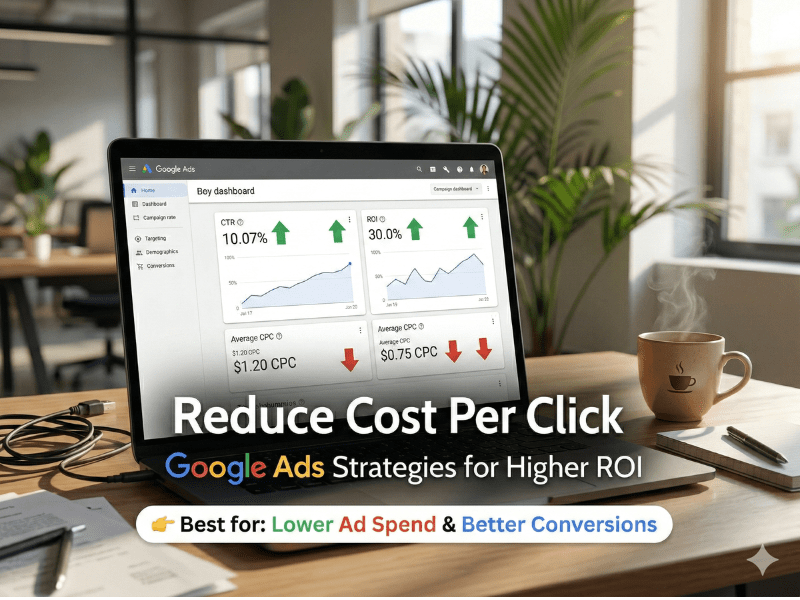
Understanding CPC and Its Impact on Conversions
CPC, or Cost Per Click, is the amount you pay each time someone clicks on your Google Ad. While it might seem like a simple metric, CPC has a direct impact on your overall campaign profitability. High CPCs mean you’re paying more for each potential customer, which can reduce your ability to capture leads or close sales.
Several factors affect CPC, including Quality Score, keyword competition, ad relevance, and landing page experience. Understanding these factors is the first step in learning how to reduce cost per click Google Ads and boost your campaign efficiency.
Common Reasons CPC is High in Google Ads Campaigns
Before implementing solutions, it’s important to identify why your CPC might be higher than desired:
Broad or irrelevant keywords – Using broad match types can trigger ads for unrelated searches, increasing wasted clicks.
Low Quality Score – Ads that are not relevant to the target audience or landing page content often face higher CPCs.
Poor ad copy – If your ads fail to attract clicks from the right audience, CPC can increase due to low engagement.
Weak landing page experience – Slow-loading or confusing pages can lower conversion rates, forcing you to pay more for each conversion.
Inefficient audience targeting – Showing ads to a broad audience instead of high-intent users raises your CPC without improving sales.
Actionable Strategies: How to Reduce Cost Per Click Google Ads
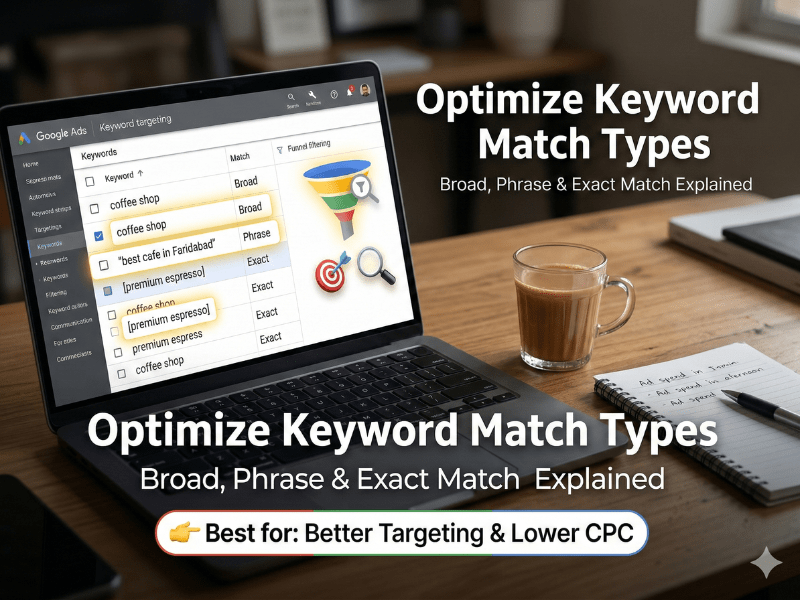
1. Optimize Keyword Match Types
One of the easiest ways to control CPC is by choosing the right keyword match types. Consider:
Exact Match – Targets users who search for your exact phrase, reducing irrelevant clicks.
Phrase Match – Reaches users who include your keyword within their search query but avoids completely unrelated terms.
Negative Keywords – Block irrelevant traffic to prevent wasted spend.
Example: If you sell “premium SEO software,” adding “free” or “tutorial” as negative keywords prevents showing ads to users who aren’t ready to buy.
2. Improve Your Quality Score
Google rewards ads that are relevant and engaging. High Quality Score lowers CPC and increases ad visibility. Focus on:
Writing ad copy that closely matches user search intent.
Ensuring landing pages are directly relevant to the ad.
Increasing click-through rates (CTR) with compelling headlines and descriptions.
Step-by-Step:
Review your Quality Score in Google Ads.
Identify ads with scores below 7/10.
Update ad copy, match keywords to landing page content, and monitor CTR improvements.
3. Craft High-Converting Ad Copy
Engaging ad copy improves CTR and lowers CPC. Tips include:
Highlight benefits and solutions, not just features.
Use action-oriented CTAs like “Get Your Free Consultation” or “Claim Discount Today.”
Include numbers or guarantees to build trust.
For sales-focused campaigns, a strong ad copy increases conversions while reducing the cost per conversion, which is even more important than just lowering CPC.
Mid-content CTA:
Optimize Your Ads Now – Place this after explaining ad copy improvements to capture leads mid-read.
4. Enhance Landing Page Experience
A seamless landing page reduces bounce rates and increases conversions, indirectly lowering CPC over time. Focus on:
Fast-loading pages (under 3 seconds).
Clear headlines that match ad messaging.
Prominent conversion points (forms, buttons) above the fold.
Mobile responsiveness.
Example Placement: Position a lead capture form or “Request Free Demo” button near the top-right corner and at the bottom of the page for maximum conversions.
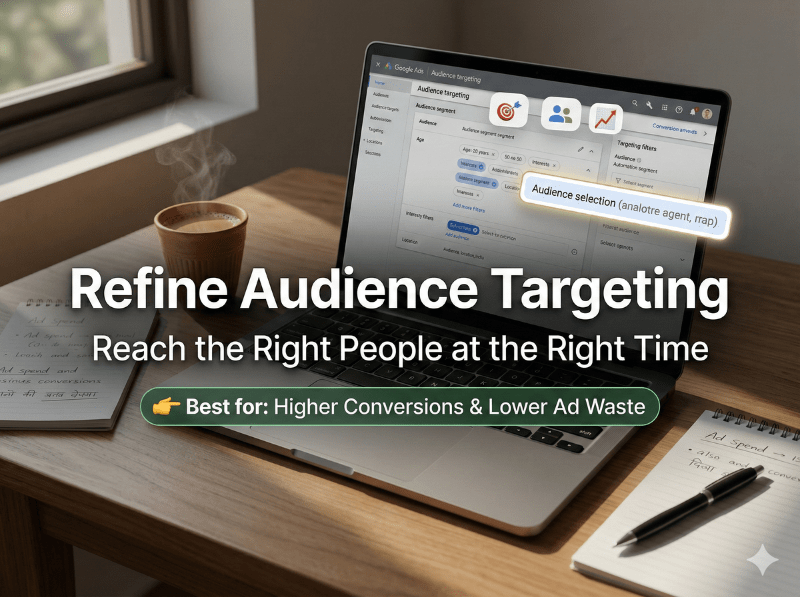
5. Refine Audience Targeting
Targeting the right audience reduces wasted clicks and optimizes ad spend. Use:
In-market audiences for users actively researching your products.
Remarketing lists for past visitors or leads.
Geographic targeting to focus on regions with high conversion potential.
This ensures every click has higher purchase intent, lowering your cost per acquisition.
Beginner-to-Intermediate Tips for Ongoing Optimization
Run A/B tests on ad creatives and landing pages.
Monitor search terms reports to refine keywords and add negatives.
Adjust bids by device, location, and time of day to optimize performance.
Track conversion rates rather than just clicks to make data-driven decisions.
For deeper insights, link internally to related guides:
Google Ads Best Practices
Landing Page Optimization
Keyword Research for Conversions
OFF PAGE SEO TECHNIQUES FAQs
Focus on improving Quality Score, refining keyword match types, and creating highly relevant ad copy. These tactics reduce wasted clicks while keeping your ads visible to the right audience, ultimately lowering cost per click Google Ads.
Google rewards ads with high landing page relevance and user engagement. Fast-loading, mobile-friendly pages with clear CTAs improve conversion rates, which can lower your CPC over time.
Yes! Showing ads to high-intent, in-market audiences or remarketing lists ensures every click has a higher chance of converting. This reduces wasted spend and optimizes your Google Ads ROI.
Final Thoughts
Mastering how to reduce cost per click Google Ads is about more than just lowering bids. By improving relevance, targeting high-intent audiences, and enhancing landing pages, you not only reduce CPC but also boost overall conversions and ROI.
Master Google Ads for Maximum ROI
Place this after the section discussing Quality Score and ad copy, since readers may want a deeper dive into overall ad strategies.

About Author
Lakshay Yadav
Founder & Growth Strategist | 5+ Years Experience | Targeting Trends
Lakshay Yadav is a results-driven SEO specialist with expertise in on page SEO techniques, meta tags optimization, internal linking SEO, and page speed optimization. He has worked with multiple websites to improve rankings, increase traffic, and boost conversions.
His approach focuses on combining Google ranking factors 2026 with real-world strategies that deliver measurable growth.